Two-Factor Authentication and Recovery Codes
Set Up an Authenticator App
When an administrator enables One Time Password 2FA for Login, all users must sign in using a code sent by email. Users can optionally configure an authenticator app by opening their User Profile and selecting Set up 2FA.
Generate Recovery Codes
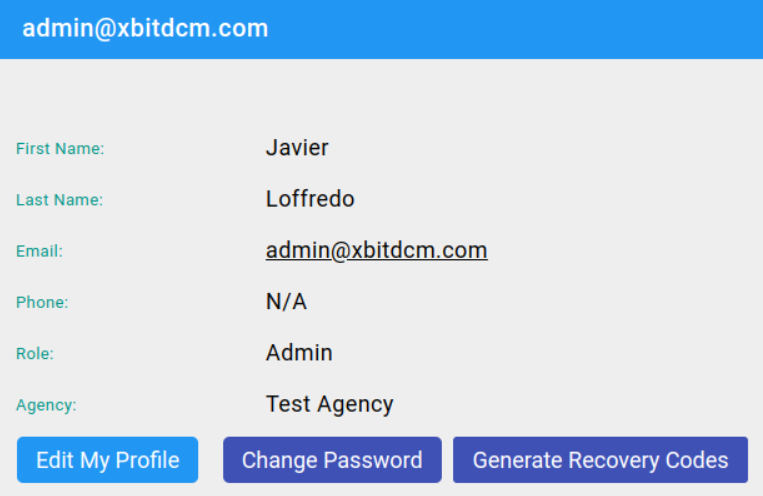
You can now use a recovery code for the case that you lose access to your account or forget your password. On the user profile page, click Generate Recovery Codes and you will get 20 codes.
On login, you will have the option to use a recovery code. Keep your recovery codes in a safe place! Each code can only be used once.